| A Presentation that Widens Your View |
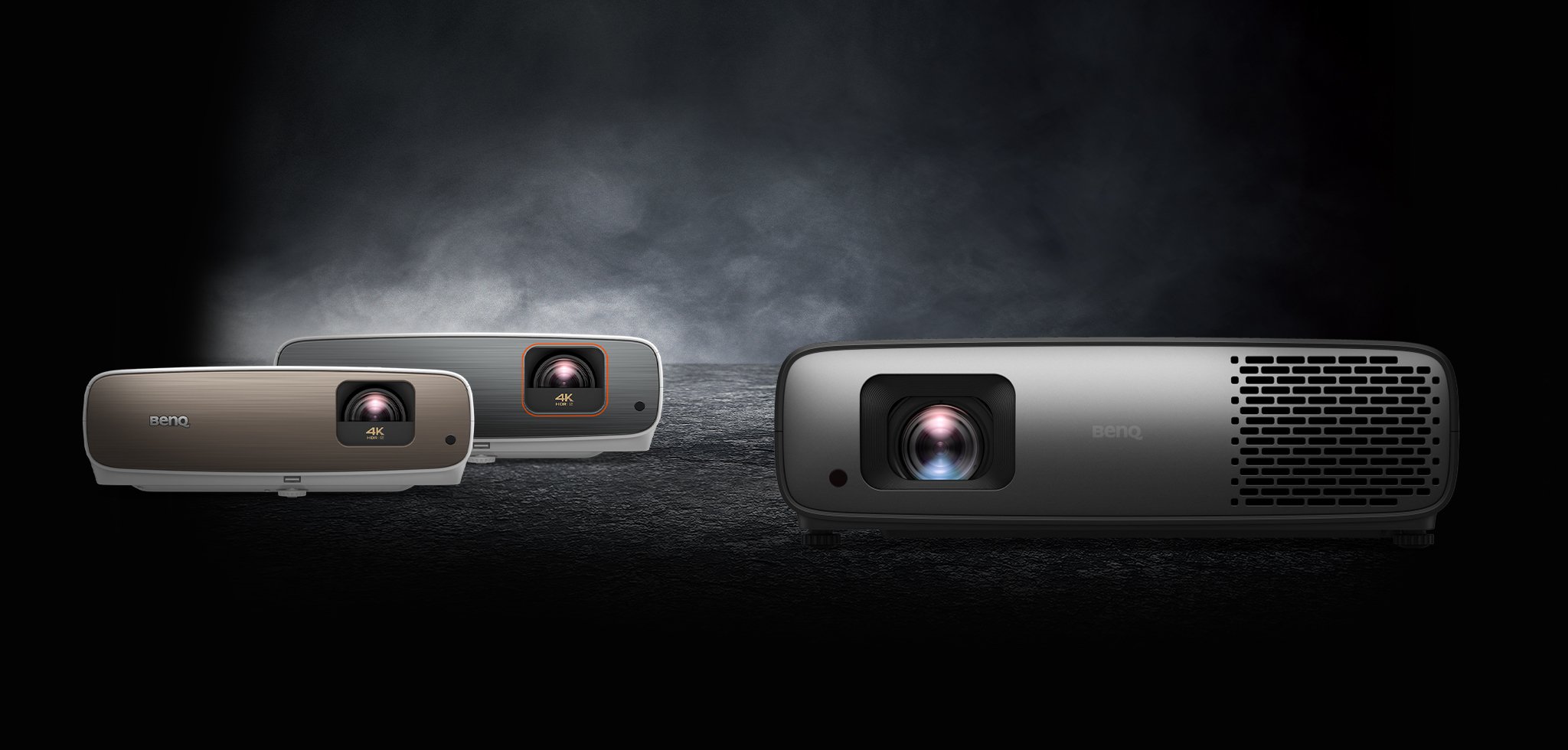
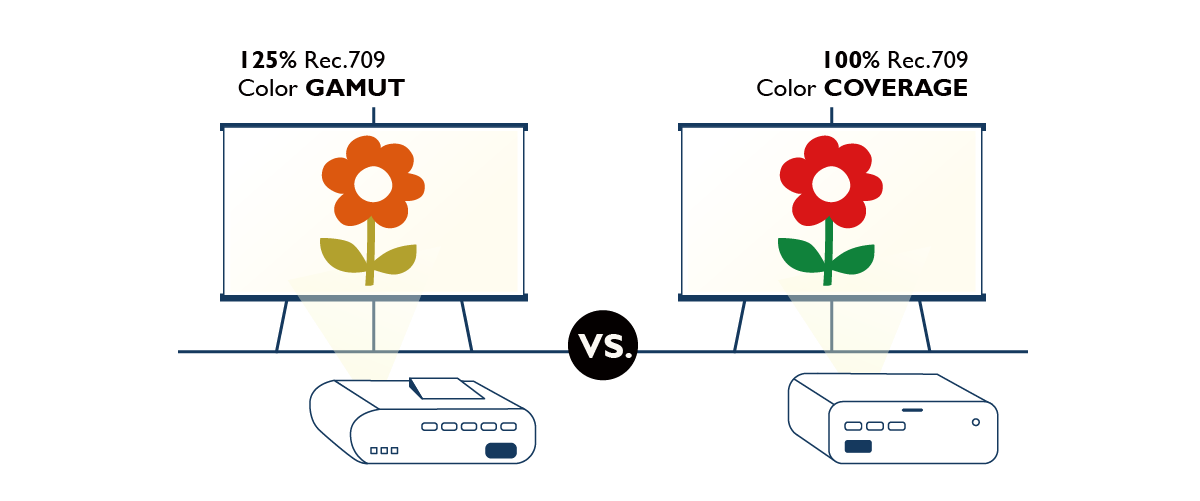
| Featuring WXGA resolution, 4600:1 high contrast and 2500 ANSI lumens, the MW811ST offers a 95” picture in only 1m – broadening learning with an extra 30% of stunning colors and crisp-clear text! With 3-D, interactive whiteboard and LAN/USB Display support, the MW811ST is the perfect tool to teach and present in small-sized settings! |
|
|
| |
| Exclusive Aspherical Lens Design for the Ultimate Short-throw Projection |
| A global DLP® expert, BenQ excels as the number one-selling brand in the worldwide short-throw projector market – with every one out of seven short-throw projector to be of BenQ kind. This undisputed short-throw leader offers picture quality excellence defined by astonishing color performance and well-focused text projection with its very own asphiercal lens design. |
| |
BenQ's Exclusive Aspherical Lens Projection Design for Clearer, Sharper and More Stable Picture Performance
|
 | |
| Well-Focused Text Projection for Superb Reading |
 | |
| The Good Things that Come in short Distances |
| Zero Space Constraints |
| Just imgagine the freedom of having the same projection quality with half the required distance! You'll have better flexibility in choosing your projection locations! That's the magic of short throw! | |
 |
| Zero Eye-Blinding Lights |
| The short throw projection distance keeps the projector light from shinning directly into your eyes, allowing you to keep your focus on your audience. | |
| Zero Disruptions |
| Say goodbye to the shadows that often interrupt your presentation. With a projection distance this close, you and your audience can move freely without worrying about obstructions between the projector and the screen! | | |
| Stereoscopic 3D Ready Projection |
|
All BenQ’s upcoming projector models come standard-equipped with DLP Link-supported 3D projection technology to bring you the same amazing 3D effects you get in 3D movies. Unlike traditional 3D projector systems that require two perfectly aligned projectors with two separate video feeds to deliver 3D projection, BenQ’s system requires only one – making it the perfect choice for education and home entertainment use!
Click here for more details about 3D Support and Compatibility. | |
 | |
| Classroom3 Initiative 3D Case Study |
3D visualization is researched and proven to help all types of learners excel in class! Texas Instruments' Classroom3 DLP 3D Initiative's recent case study shows a dramatic improvement of 35% in student test scores from the pilot implementation of 3D simulations across the US state of Illinoise.
Find out more on: www.dlp.com/downloads/DLP_3D_Classroom3_Case_Study.pdf. |
| |
| LAN Control Centralized Projector Management |
LAN Control is designed to help IT managers perform day-to-day projector maintenance and repair tasks efficiently and effectively – offering them full access and control over every projector directly from their workstations. It’s just what you need to save energy, time and money!
The BenQ MW811ST offers seamless support for your original LAN Control setting – whether it’s Crestron, PJ-Link or SNMP. It also comes with a built-in projector network control system uniquely designed by BenQ for your convenience. All it takes is a LAN cable to set things up! |
|
|
| |
| Thoughtful Design for Presenters |
| |
| 20W Microphone Audio Power |
 |
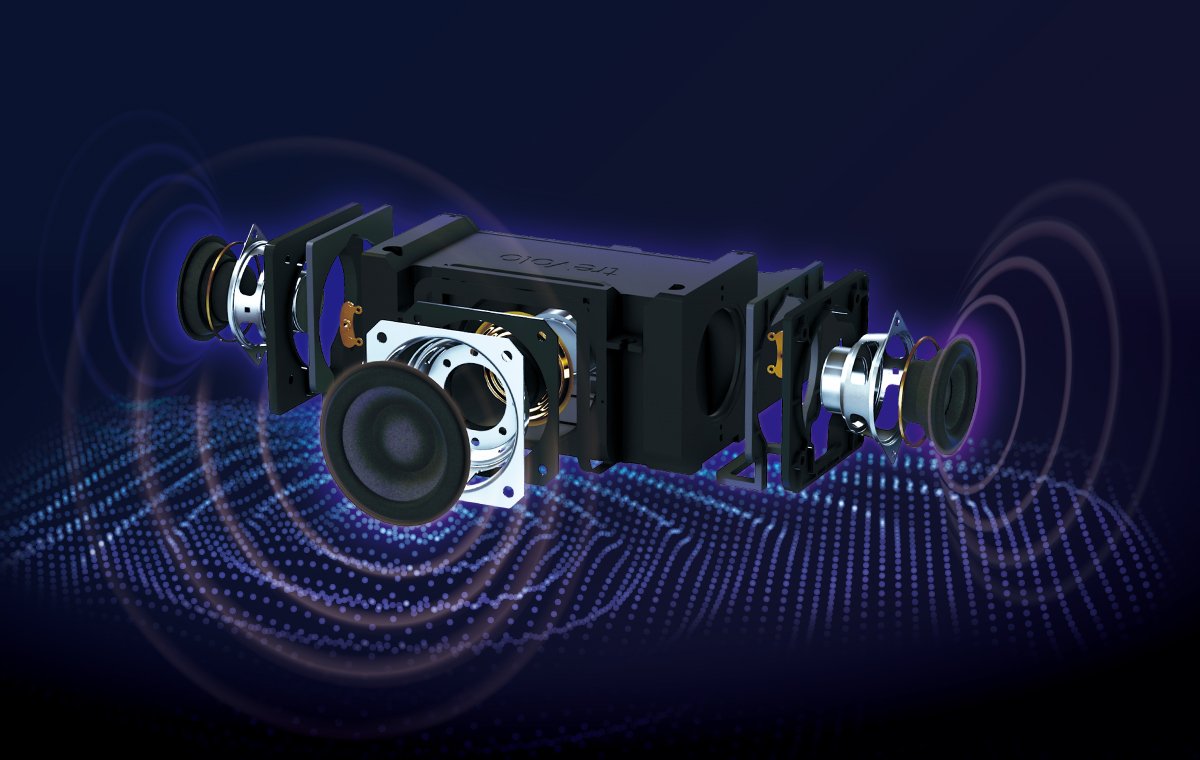
The is built with 20W industry-leading audio power and microphone input to empower your presentation! Two 10W speakers are sealed and secured within each side of the projector with BenQ’s anti-shake design to deliver crisp-clear audio quality and projection stability, while the microphone input connects you to conventional and wireless microphones and microphone headsets.
What's more, the MW811ST can be used as an audio system only even when it's on standby mode! Finally, you can have a blast presenting without straining your voice – or your budget! | |
| Hassle-Free PC-Less Presentation |
| Enjoy a hassle-free presentation with the USB Reader and Remote Desktop functions! The USB Reader function enables a JPEG presentation with a USB flash drive! It’s as easy and plug and play! The Remote Desktop function allows you to present using a wireless mouse and keyboard! Consider it an upgrade from the USB Reader option! You’ll get to access everything from your computer remotely on the projection screen! Going PC-less also means you’ll get to save up on computer purchase, maintenance and repair for your school or company! |
|
|
| |
| Cost-Effective Ways to Display and Save |
| Projectors are powerful tools for making successful presentations. To ensure a smooth presentation on your part, BenQ has integrated various display functions into the MW811ST to fit every need! |
| |
| USB Display offers the plug-and-play convenience of USB connection – with automatic resolution detection for the best image presentation and extension support for simultaneous multi-projection display. | |
| LAN Display offers a cost-effective solution for projector implementation management using a single LAN cable to control and display. This feature also offers simultaneous 1-8, 4-1 or partial projection display option for better content management for discussions, presentations, training and classroom teaching. | |
| Wireless Display keeps cables and wires out of everyone’s way with the BenQ Wireless Display Adapter to deliver big screen display for all your presentations and perform simplified centralized network control via USB 2.0 seamless WLAN connectivity. |
|
| |
| Closed Captioning |
| Display subtitles in video content without the need for an external closed-captioning device with the MW811ST. It's perfect for viewing in educational settings such as language classes where a transcript of onscreen dialog is desirable. | |
 | |
| Thoughtful Teaching Template Design |
| To make your teaching job easier, BenQ has added the teaching template function to the MW811ST. Now, with four different line pattern designs to choose from – Letter Formation, Musical Staff, Worksheet and Coordinate Chart, you can easily write or draw on whiteboards as well as blackboards without the need of drawing lines or charts. | |
 | |
| Multi-Function Connectivity |
 |